
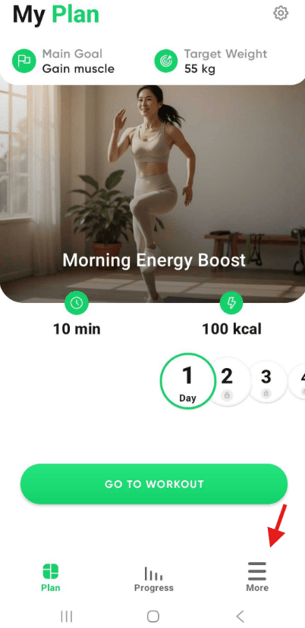
1. Open the app and tap the "More" button in the bottom right corner.
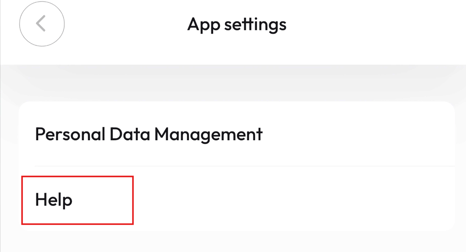
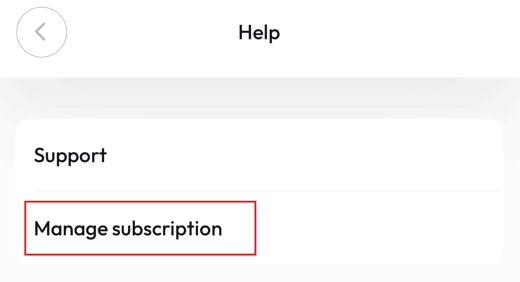
2. Go to App Settings → Help → Manage Subscription

3. Tap the three-line menu (☰) in the top-right corner
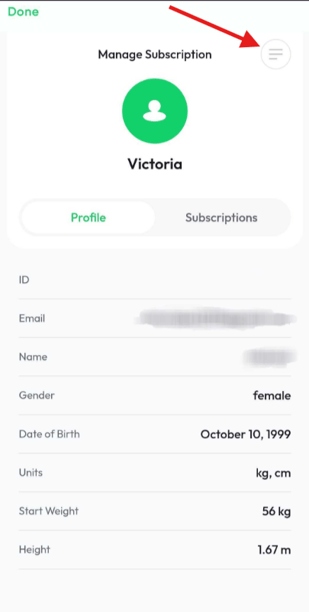
4. Select Support – Cancel subscription
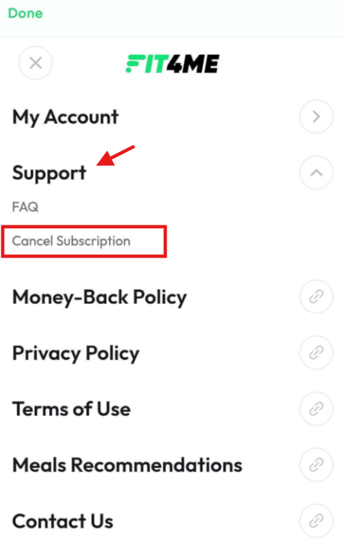
5. Choose your subscription and tap Cancel Subscription
6. Please continue following the on-screen instructions.
If you have any further questions, please contact our support team at support@fit4me.io.